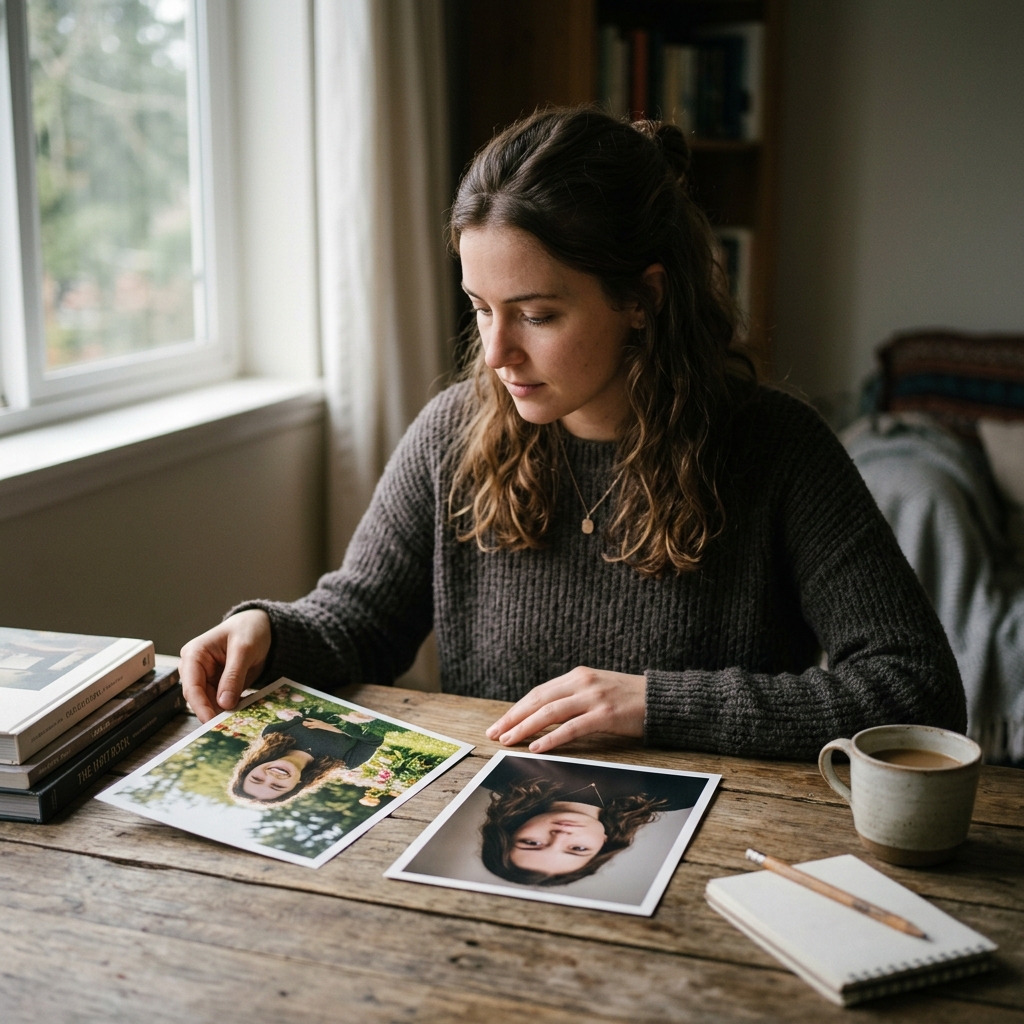
You upload one selfie and your AI ancestry result suggests Mediterranean roots. Then you try another photo and suddenly see Northern European, Balkan, or Middle Eastern similarities.
Why did the result change if your ancestry stayed exactly the same?
The explanation is simple: an AI ancestry app analyzes the visual information available in a particular image. It does not read your DNA or access a permanent record of your identity. When the photo changes, the visual information available to the system can change too.
In this guide, we explain why AI ancestry results may vary and how to choose a photo that produces a clearer, more consistent visual analysis.
Why Can the Same Person Get Different AI Ancestry Results?
Two photos of the same person are never completely identical.
Lighting, camera angle, facial expression, hairstyle, image quality, makeup, and filters can all change how facial features appear. Even small differences may influence the patterns detected by an AI face analysis tool.
For example, a side angle may make the nose or jawline appear more prominent. Strong overhead lighting may deepen shadows around the eyes and cheekbones. A smiling expression may change the apparent shape of the cheeks, mouth, and lower face.
The AI is analyzing what is visible in the uploaded image. It is not discovering a new genetic background every time you upload a photo.
AI Ancestry Analysis Is Visual, Not Genetic
An AI ancestry result and a DNA ancestry result answer different questions.
A DNA test analyzes genetic markers obtained from a biological sample. An AI ancestry app analyzes visual patterns in a photograph.
A visual ancestry result may explore questions such as:
- Which regions does my appearance resemble?
- What facial patterns are visible in this photo?
- What countries might people associate with my features?
- Does my appearance suggest a mixture of visual influences?
It cannot prove your ethnicity, nationality, citizenship, or genetic ancestry.
Because the analysis is visual, the quality and composition of the photo matter.
Related: AI Ancestry Test vs DNA Test: What’s the Difference? →Seven Reasons Your Result May Change
1. The Camera Angle Changed
A front-facing image gives the system a balanced view of the face. A photo taken from above, below, or from the side may distort facial proportions.
A low camera angle can make the jaw appear wider. A high angle may make the forehead and eyes look larger. A three-quarter pose may emphasize one side of the nose or cheekbone structure.
For a more consistent result, keep the camera close to eye level and look directly at the lens.
2. The Lighting Changed Your Features
Lighting affects contrast, shadows, skin tone, and the visibility of facial contours.
Soft daylight usually shows facial proportions clearly. Strong artificial light can create shadows that make the nose, jaw, or cheekbones look different. Colored lighting may also influence the appearance of the skin.
Avoid photos taken in very dark rooms or under strongly colored lights.
3. A Filter Modified the Image
Beauty filters may subtly change:
- Eye size
- Nose width
- Jawline
- Skin texture
- Lip shape
- Face proportions
Even when a filter looks natural, it may alter enough visual information to affect the result.
Use the original version of your photo whenever possible.
4. Your Facial Expression Was Different
A smile changes more than your mouth.
It can lift the cheeks, narrow the eyes, widen the lower face, and alter visible facial proportions. A dramatic expression may also create shadows or lines that are not present in a neutral portrait.
A natural, relaxed expression usually provides the most balanced input.
5. The Image Was Blurry or Compressed
Messaging apps and social media platforms often compress photos. Screenshots may lose additional detail.
When facial edges are unclear, an AI system has less reliable visual information to analyze. This can lead to broader or less consistent interpretations.
Choose a sharp, original photo rather than a cropped screenshot.
6. Hair, Makeup, or Accessories Covered Important Areas
Heavy contouring can change the apparent structure of the nose, cheeks, and jaw. Large glasses may cover the eye area. Bangs, hats, masks, or hands may hide parts of the face.
These elements do not change your real features, but they may affect what the system can see.
Keep the full face visible and avoid accessories that cover important areas.
7. Human Appearance Naturally Overlaps Across Regions
Facial traits are not exclusive to one country or population.
Neighboring regions often share visual similarities because human history includes migration, trade, intermarriage, changing borders, and cultural exchange. A person may visually resemble several regions at once.
That means different photos may emphasize different parts of a naturally mixed or overlapping appearance.
Which Photo Should You Trust?
An AI ancestry result should not be treated as proof, so the goal is not to find one result that is officially “correct.”
Instead, look for recurring patterns.
Try two or three clear photos taken under similar conditions. If the same regions or visual influences appear repeatedly, those may represent the strongest similarities detected across your images.
Do not continue uploading dozens of photos simply to obtain a preferred result. AI ancestry exploration is most useful when treated as curiosity and visual storytelling rather than a scientific diagnosis.
How to Take the Best Photo for AI Ancestry Analysis
Use this checklist:
- Choose a clear, recent portrait
- Use natural daylight
- Face the camera directly
- Keep the camera at eye level
- Use a relaxed expression
- Remove sunglasses and large accessories
- Avoid beauty filters
- Keep your full face visible
- Upload a photo with only one person
- Use the original image rather than a screenshot
A plain background can also help keep attention on the face.
Related: What Country Do My Facial Features Come From? →Should You Use an Old Photo?
You can experiment with older photos, but consider image quality.
A well-preserved family portrait may be interesting for exploring family resemblance or historical appearance. However, faded colors, scratches, low resolution, or strong shadows can affect the analysis.
For your main result, use a clear modern photograph. Treat old family photos as a separate, exploratory experience.
Can Makeup Change an AI Ancestry Result?
Makeup does not change your ancestry, but it can change how your features appear in a photograph.
Contouring may visually reshape the nose, cheeks, or jaw. Eyeliner can change the apparent shape of the eyes. Foundation and lighting can influence visible skin tone.
For the most neutral result, use a photo with minimal makeup or your usual everyday appearance.
Why Different Results Can Still Be Interesting
Variation does not necessarily make the experience meaningless.
It can show how flexible visual perception is. People often receive different guesses about their background depending on their hairstyle, expression, age, or location. AI can reflect some of the same ambiguity.
One photo may emphasize your resemblance to one side of the family. Another may highlight features associated with a different family branch.
This is why visual ancestry is best understood as an exploration of resemblance, not a final statement about identity.
Related: Is AI Ancestry Safe? Privacy and Face Data Explained →What to Do After Getting Your Result
Use the result as a starting point for deeper questions:
- Which regions appear more than once?
- Do the results match any family stories?
- Which relatives share similar features?
- Did your grandparents migrate from another region?
- Are there historical connections between the suggested countries?
You can then explore family records, photographs, birth certificates, immigration documents, oral histories, or DNA testing if you want a more evidence-based ancestry investigation.
Try a Clearer AI Ancestry Photo
Ancestor Lens lets you explore visual heritage patterns and face similarities from a selfie.
For the most consistent experience, upload a clear, front-facing photo with natural lighting and no filters. Compare the result with what you already know about your family story.
Remember that Ancestor Lens is designed for curiosity, visual discovery, and entertainment. It does not determine your real ethnicity, nationality, or DNA ancestry.
Discover Your Face Heritage with Ancestor Lens
Ready to see what country your facial features may resemble? Try Ancestor Lens and discover your face heritage instantly. No DNA required.