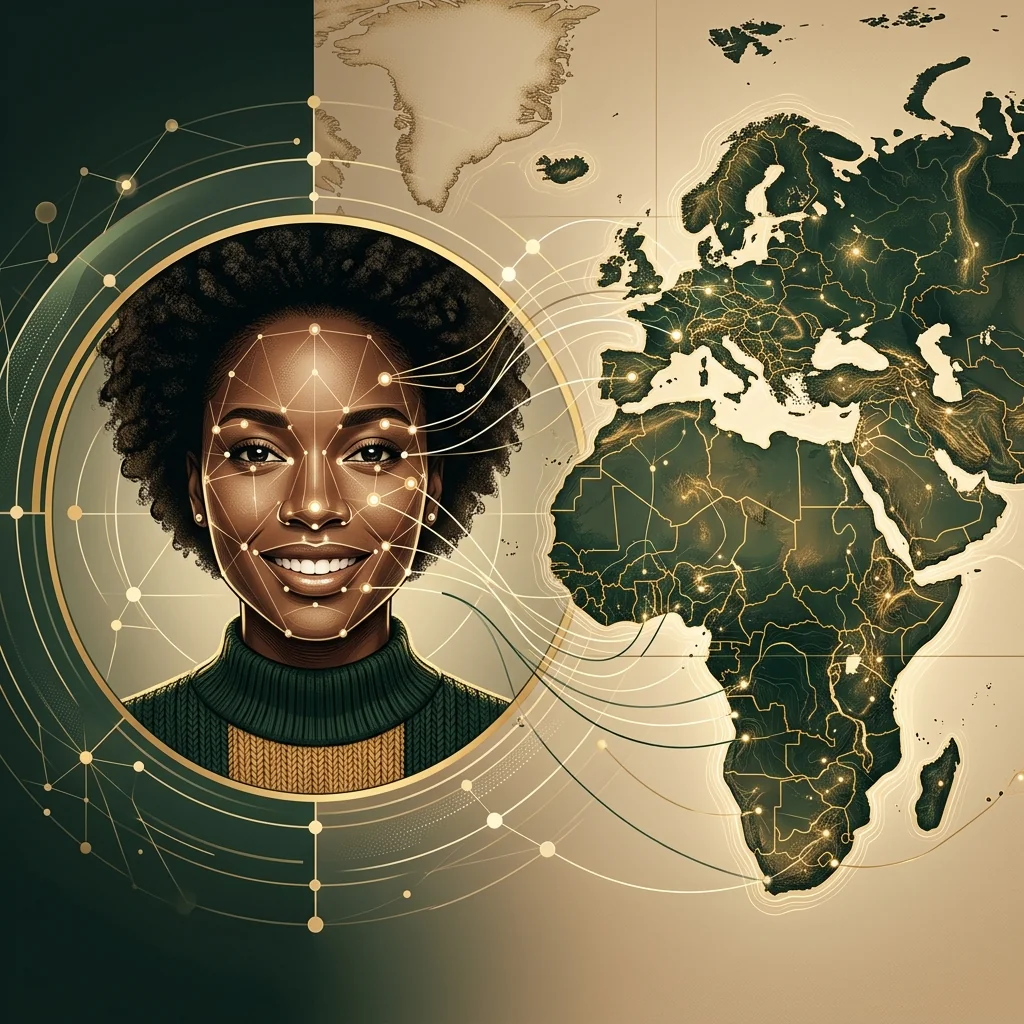
The photo you upload can significantly affect an AI ancestry result.
An AI face analysis tool needs to identify the shape, position, and proportions of your facial features. Poor lighting, an angled face, sunglasses, strong filters, or camera distortion can make that analysis less consistent.
The good news is that you do not need a professional portrait.
A simple, clear selfie taken in natural light is usually the best photo for an AI ancestry test.
Here are 12 practical tips to help the app analyze your face more clearly.
1. Face the Camera Directly
Keep your face straight and look directly into the camera.
A front-facing image gives the system a balanced view of both sides of your face. This makes it easier to analyze:
- Eye spacing
- Facial symmetry
- Nose structure
- Cheekbone position
- Jawline
- Overall face shape
Avoid turning your head strongly to the left or right. A three-quarter portrait may look attractive, but it hides part of the face and changes visible proportions.
2. Use Soft Natural Light
Stand near a window or take your photo outdoors in open shade.
The best light is soft and evenly distributed across your face. It should reveal your features without creating dark shadows.
Avoid:
- Direct midday sunlight
- A bright lamp above your head
- Strong light from one side
- A window directly behind you
- Colored LED lighting
- Very dark rooms
Harsh lighting can make the nose, eyes, or jaw appear different from their natural shape.
3. Keep the Camera at Eye Level
Hold the camera approximately level with your eyes.
A camera placed too low can exaggerate the jaw and nostrils. A camera placed too high can make the forehead appear larger and the lower face narrower.
Try to keep the phone parallel to your face rather than dramatically tilted.
This produces a more neutral and proportionally balanced image.
4. Do Not Hold the Phone Too Close
Smartphone cameras can distort a face when used at a very short distance.
A close selfie may make the nose appear larger while reducing the apparent width of the ears, cheeks, and jaw.
For a more natural result:
- Place the phone slightly farther away.
- Use the standard camera lens rather than an ultra-wide lens.
- Crop the image afterward when necessary.
- Consider using a timer and placing the phone on a stable surface.
The face should remain large enough to see clearly without filling the entire frame.
5. Use a Neutral Expression
A relaxed, neutral expression is ideal for most AI face analyses.
A wide smile changes the cheeks, eyes, mouth, and jawline. A dramatic expression can also temporarily change the visible proportions of the face.
You do not need to look serious. Simply relax your face, keep your mouth naturally closed or slightly relaxed, and look into the camera.
A small natural smile is usually acceptable, but avoid exaggerated expressions.
6. Remove Sunglasses and Face Coverings
The eyes and surrounding structure provide important visual landmarks.
Remove:
- Sunglasses
- Dark glasses
- Large hats
- Face masks
- Scarves covering the jaw
- Hair covering the eyes
- Objects placed in front of the face
Regular transparent glasses may still create reflections or hide parts of the eyes. When possible, take the photograph without them.
7. Avoid Beauty Filters
Beauty filters can change more than skin texture.
Some filters automatically alter:
- Eye size
- Nose width
- Jaw shape
- Chin length
- Lip size
- Face width
- Cheekbone height
- Skin tone
These changes can influence the ancestry-style result because the app analyzes the edited face rather than your natural features.
Use the original camera whenever possible. Disable automatic face reshaping, portrait retouching, and social media effects.
8. Use a High-Quality Image
The photograph does not need to come from a professional camera, but the face should be sharp and clearly visible.
Avoid photos that are:
- Blurry
- Pixelated
- Heavily compressed
- Taken from a distant group shot
- Screenshots of another image
- Cropped from a very small picture
- Covered by motion blur
Clean your phone’s camera lens before taking the picture. A fingerprint on the lens can create a soft haze that reduces detail.
9. Upload a Photo With One Person
Choose an image containing only your face.
When several people appear in the frame, the system may:
- Select the wrong face
- Fail to identify the main subject
- Combine information incorrectly
- Ask you to crop the image
- Produce an error
A single-person portrait also gives the app more image area to work with.
10. Keep Your Entire Face Visible
Do not crop away the chin, forehead, or one side of the face.
The ideal composition includes:
- The full forehead
- Both eyes
- The complete nose
- The mouth
- Both cheeks
- The entire jawline
- The chin
Your shoulders and upper chest can appear in the image, but they are not essential. The face should remain the clear central subject.
11. Use a Simple Background
The background usually does not determine an ancestry result, but a simple setting helps separate your face from the rest of the image.
A plain wall or uncluttered room works well.
Avoid a background that contains:
- Other faces
- Mirrors
- Posters with people
- Strong patterns
- Very bright lights
- Heavy shadows
- Objects covering the edges of your face
Clear visual separation makes face detection easier.
12. Try More Than One Natural Photo
An AI ancestry result may vary slightly between photographs because every image captures your face differently.
For a useful comparison, try:
- One indoor photo near a window
- One outdoor photo in soft shade
- One recent front-facing portrait
Do not intentionally change your appearance between tests. Use similar neutral expressions and avoid filters.
Look for patterns that appear repeatedly rather than focusing on one exact percentage.
The Ideal AI Ancestry Photo Checklist
Before uploading your selfie, check that:
- Your face is directed toward the camera
- The camera is at eye level
- Both sides of your face are visible
- The light is soft and even
- Your eyes are not covered
- Your jaw and chin are visible
- The image contains one person
- No beauty filter is active
- The image is sharp
- The camera is not extremely close
- Your expression is relaxed
- The photo is recent
When all of these conditions are met, the system has a clearer image to analyze.
Should You Wear Makeup?
Normal everyday makeup is generally acceptable.
However, very heavy contouring can change the visible shape of the nose, jaw, cheeks, and forehead. Strong eye makeup may also affect the contrast around the eyes.
For the most natural visual analysis, use:
- No makeup, or
- Light makeup that does not reshape the face
The goal is not to look better or worse. The goal is to provide an image that represents your usual facial structure.
Can You Use an Old Photo?
You can use an older photograph when it is clear, front-facing, and undamaged.
However, a recent photo is normally better because:
- It reflects your current appearance
- It is more likely to have higher resolution
- It may contain less scanning noise
- It is less likely to be faded or scratched
Old family portraits can still be interesting for comparing resemblance across generations, but they may not produce the same consistency as a modern photograph.
Can You Use a Childhood Photo?
A childhood photo may produce a different result because facial proportions change with age.
The jaw, nose, cheeks, and overall face shape continue developing through childhood and adolescence.
For an analysis of your current facial appearance, use a recent adult photograph. You can test a childhood image separately for entertainment, but do not expect identical results.
Does Hair Color Affect the Result?
A responsible face ancestry analysis should focus primarily on structural visual patterns rather than using one characteristic such as hair color.
Still, keep hair away from important parts of the face, especially:
- Eyes
- Eyebrows
- Cheeks
- Jawline
There is no need to tie all your hair back unless it naturally covers those areas.
Why Did Two Photos Produce Different Results?
Different photos may create different readings because of:
- Lighting
- Shadows
- Lens distortion
- Head angle
- Expression
- Image resolution
- Filters
- Partial facial obstruction
AI ancestry tools generate visual estimates, not fixed biological measurements.
Small variations are therefore normal. Focus on recurring regions or visual patterns rather than expecting every percentage to remain identical.
Take Your AI Ancestry Selfie
Once you have a clear front-facing photo, upload it to Ancestor Lens to explore your visual heritage, possible regional resemblance, and historical look-alikes.
The experience takes only a few moments and does not require a DNA kit.
Frequently Asked Questions
What is the best photo for an AI ethnicity test?
Use a recent, sharp, front-facing photo taken in soft natural light. Keep your face fully visible and avoid sunglasses, filters, dramatic expressions, and extreme camera angles.
Can I smile in my ancestry test photo?
A small natural smile is usually fine. A neutral expression may provide a more consistent view of your cheeks, mouth, eyes, and jawline.
Do beauty filters change an AI ancestry result?
They can. Many filters resize the eyes, nose, jaw, lips, or entire face, which may affect visual analysis.
Should I use the front or back camera?
Either can work. A back camera may provide higher image quality, while the front camera is easier to position. Avoid ultra-wide lenses and do not hold the camera extremely close.
Can I upload a group photo?
A single-person photo is recommended. Group photos may cause the system to select the wrong face or provide insufficient detail.
Will several photos give the same ancestry result?
Not necessarily. Variations in light, angle, expression, and image quality can produce slightly different results. Repeated regional patterns are more meaningful than an identical percentage.
Explore More
- How Accurate Are AI Ethnicity Tests?
- What Country Do My Facial Features Come From?
- AI Face Ethnicity Test: Discover Your Face Heritage
- What Nationality Do I Look Like?
- Is AI Ancestry Safe? What Happens to Your Photo?
Discover Your Face Heritage with Ancestor Lens
Ready to see what country your facial features may resemble? Try Ancestor Lens and discover your face heritage instantly. No DNA required.