Have you ever scanned a photo into an AI ethnicity app and received unexpected or changing results? The secret often lies not in the algorithm, but in photo quality, lighting, and camera angle.
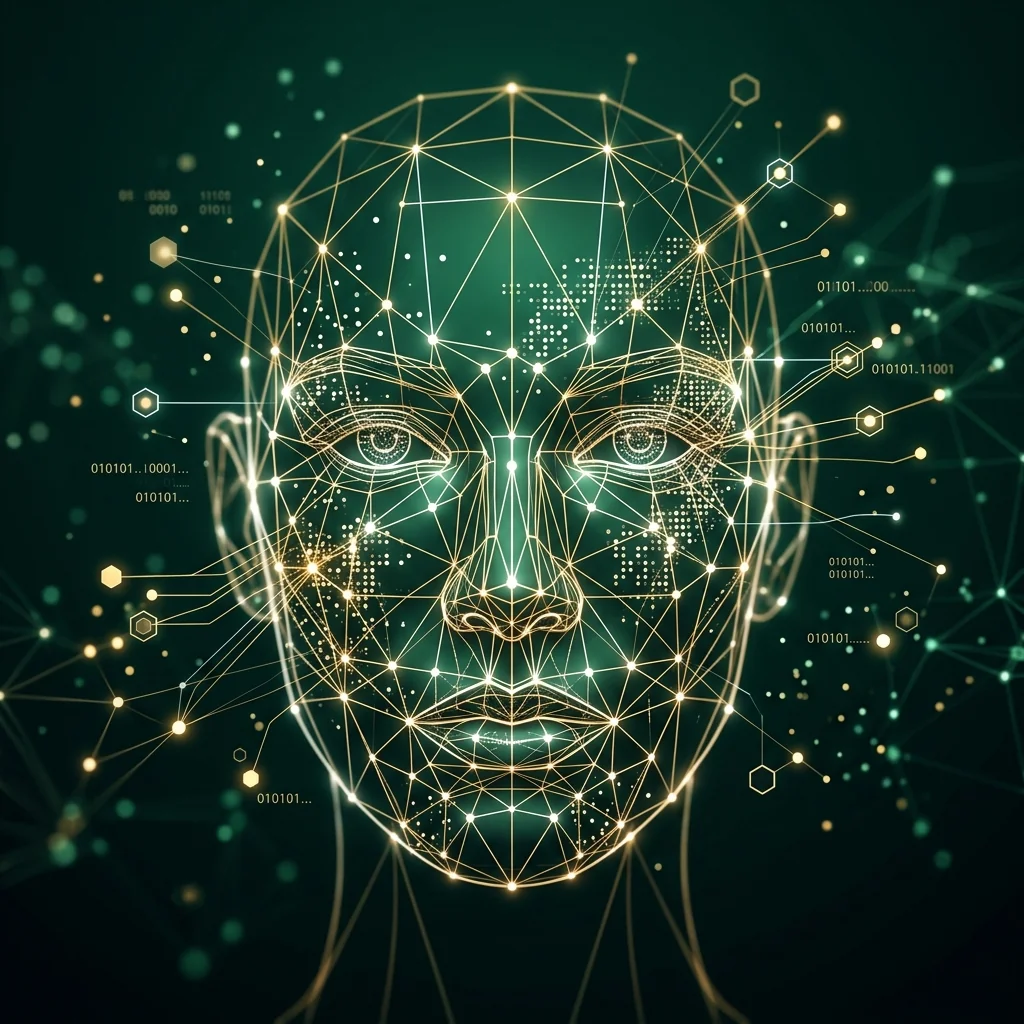
AI models rely on deep convolutional neural networks to detect hundreds of micro-landmarks on your face—from the distance between your pupils to cheekbone curvature and jawline ratios. A poorly lit or angled photo can obscure these key markers. Here is your definitive guide to taking the perfect selfie for AI face scanners like Ancestor Lens.
1. Lighting: Use Natural, Even Light
Harsh shadows or colored room lighting distort facial depth and feature proportions. The ideal lighting setup is simple:
- Face a window: Soft, natural daylight facing your front illuminates your face evenly without creating harsh eye socket or nose shadows.
- Avoid overhead bulbs: Ceiling lights create heavy shadows under your eyes and nose, confusing depth-estimation models.
- Skip heavy filters: Beauty smoothing filters remove subtle facial contours that AI uses for feature classification.
2. Camera Angle: Straight, Eye-Level Portrait
High-angle "high-angle selfies" or low-angle shots distort jawline width and forehead proportions.
Optimal Angle Checklist
- Hold your smartphone directly at eye level.
- Keep your camera parallel to your face (0-degree tilt).
- Ensure both ears and cheekbones are equally visible.
3. Facial Expression: Neutral or Natural Smile
Extreme facial expressions—such as wide laughing, winking, or pouting—alter facial proportions significantly. For the most consistent analysis, aim for a neutral face or a gentle, natural smile with relaxed facial muscles.
4. Clear Framing & Unobstructed Face
Make sure your face is the main subject of the frame:
- Remove sunglasses & hats: Eyewear and broad brim hats cover key landmarks around your brows and forehead.
- Tuck hair behind ears: Clear visibility of your face boundary helps the AI outline your exact facial contour accurately.
- Single-person portrait: Avoid group photos so the scanner evaluates only your portrait.
Ready to Scan Your Photo?
Now that you know how to capture the ideal portrait, try scanning your photo with Ancestor Lens to uncover what facial feature patterns your portrait reveals!
Put These Tips to the Test
Snap a clear selfie facing a window and upload it to Ancestor Lens for instant facial heritage discovery.